Advanced Trezor Security: Passphrase and Hidden Wallets Guide
Master Trezor's passphrase feature to create hidden wallets, add an extra layer of protection against physical theft, and implement advanced security strategies for your cryptocurrency holdings.
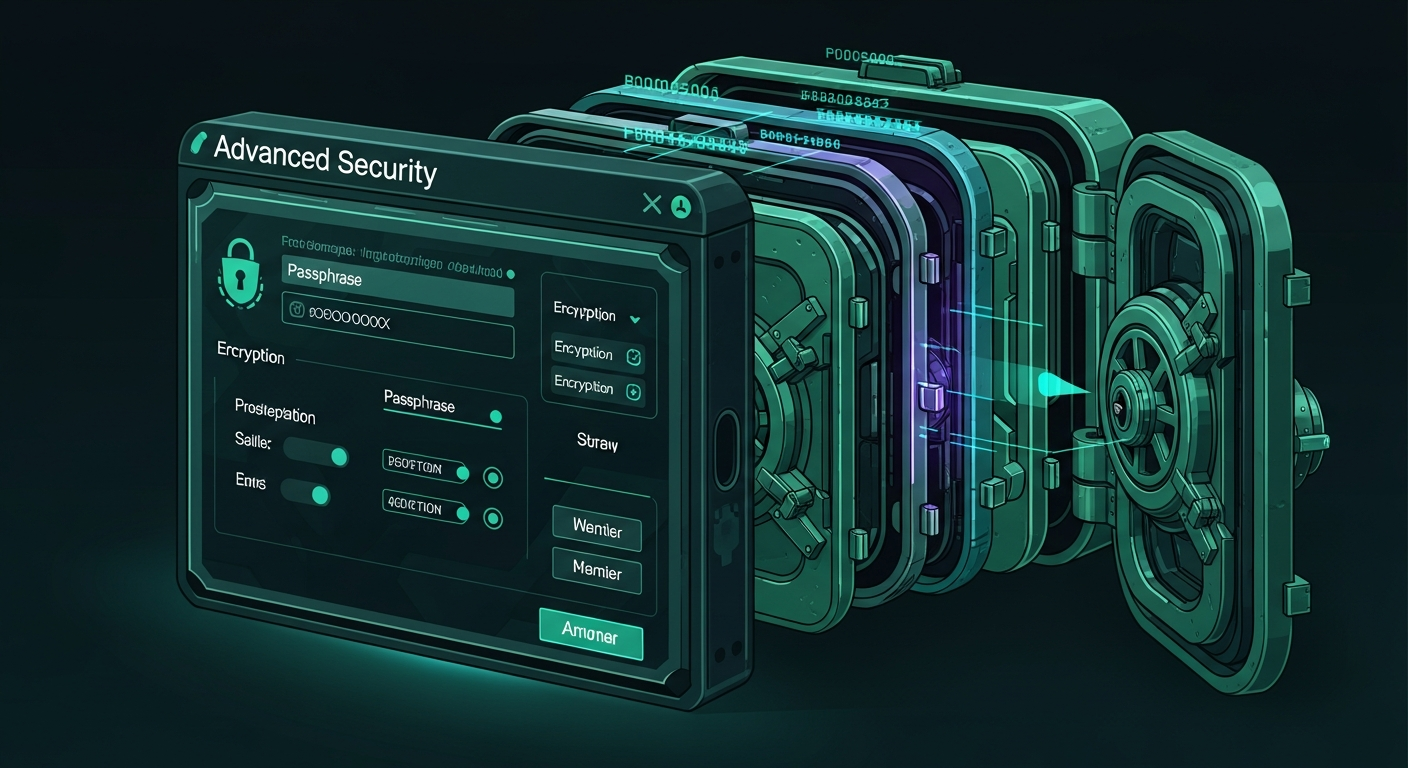
Among Trezor’s extensive security toolkit, the passphrase feature stands out as one of the most powerful yet frequently misunderstood capabilities available to hardware wallet users. Often referred to as the “25th word,” the passphrase creates an entirely separate wallet from the same recovery seed, providing plausible deniability, protection against physical theft, and a sophisticated additional security layer that goes far beyond PIN protection. This guide explains exactly how the passphrase feature works, how to set it up on your Trezor, and advanced strategies for leveraging hidden wallets to protect your cryptocurrency holdings.
What Is a Passphrase?
In the context of cryptocurrency wallets, a passphrase is an additional piece of text that is combined with your recovery seed phrase during the key derivation process. When you create a standard Trezor wallet, your recovery seed (12 or 20 words) generates a specific set of private keys, accounts, and addresses. When you add a passphrase, the seed and passphrase are combined together to derive a completely different set of private keys, producing what is effectively an entirely separate wallet with its own unique accounts, addresses, and balances.
The critical insight is that every different passphrase creates a different wallet. If your recovery seed is “word1 word2 word3 ... word12” and you enter the passphrase “vacation,” you get one wallet. If you enter “Vacation” (capital V), you get a completely different wallet. If you enter “my-secret-2024,” you get yet another wallet. There is no limit to the number of wallets you can create from a single recovery seed, and there is no way for anyone examining your device or seed to know how many passphrase-protected wallets exist or what passphrases were used.
How the Passphrase Provides Security
The passphrase adds a powerful third factor to your wallet security model. Without a passphrase, your security relies on two factors: physical possession of the Trezor device (or recovery seed), and knowledge of the PIN code. An attacker who obtains both your device and PIN, or who finds your recovery seed backup, can access all your funds. With a passphrase enabled, the security model becomes three-factor: the recovery seed, the PIN, and the passphrase. An attacker would need all three to access your protected wallets.
This three-factor model is particularly effective against several threat scenarios. If someone physically steals your Trezor device and somehow learns your PIN (through coercion or observation), they will only see the default wallet, which you can intentionally leave empty or maintain with a small decoy balance. Your actual holdings behind the passphrase remain completely invisible and inaccessible. Similarly, if a thief discovers your recovery seed backup, they can only reconstruct the default wallet. Without the passphrase, your hidden wallets simply do not exist from their perspective.
Plausible Deniability and Duress Protection
One of the most compelling use cases for the passphrase feature is plausible deniability in duress situations. In the unfortunate scenario where you are physically threatened and forced to reveal your cryptocurrency holdings, you can provide your PIN and recovery seed, granting the attacker access to your default wallet. If you have maintained a small, believable balance in this default wallet (enough to look legitimate, but not your primary holdings), the attacker has no way to prove that additional passphrase-protected wallets exist. From a technical standpoint, there is genuinely no evidence on the device, the blockchain, or anywhere else that hidden wallets are present.
This plausible deniability extends to multiple levels. You could maintain several passphrase-protected wallets: one default wallet with a small balance, one passphrase wallet with a moderate balance (as a second-level decoy), and a third passphrase wallet containing your primary holdings. Each level can be revealed under increasing pressure while maintaining deniability about the existence of deeper levels. This layered approach provides sophisticated protection against physical threats that no amount of digital encryption alone can address.
Setting Up the Passphrase on Your Trezor
Enabling the passphrase feature on your Trezor is straightforward. In Trezor Suite, navigate to your device settings and find the passphrase option. Toggle it on and confirm the change on your Trezor device’s screen. Once enabled, every time you connect your Trezor and unlock it with your PIN, you will be prompted to enter a passphrase. Entering an empty passphrase (just pressing confirm without typing anything) accesses your default wallet, identical to the wallet you used before enabling the feature. Entering any text creates or accesses the wallet associated with that specific passphrase.
You have two options for where the passphrase is entered: on the Trezor device itself (using the touchscreen on Safe 5 and Safe 7) or on the host computer through Trezor Suite. Entering the passphrase on the device is more secure because the text never appears on or passes through your potentially compromised computer. However, entering complex passphrases on a small touchscreen can be tedious. The host computer entry option is more convenient for long passphrases but introduces a small risk if your computer has a keylogger installed. For maximum security, always enter the passphrase on the Trezor device itself.
Choosing a Strong Passphrase
Your passphrase should be strong enough to resist brute-force attacks but memorable enough that you will never forget it. Unlike a PIN which protects against casual unauthorized access, the passphrase is cryptographically baked into your key derivation and cannot be recovered or reset. If you forget your passphrase, the wallet it protects is permanently inaccessible, even with the correct recovery seed. This is by design: the security of the system depends on the passphrase being known only to you and not stored anywhere on the device.
Recommended approaches for creating a strong passphrase include using a combination of words, numbers, and special characters that form a personally meaningful but publicly unguessable phrase. For example, “alpine-ridge-sunset-7742” combines multiple words with a number to create a passphrase that is both memorable and resistant to dictionary attacks. Avoid using famous quotes, song lyrics, or other publicly known phrases. The passphrase is case-sensitive and space-sensitive, meaning “My Pass” and “my pass” will generate completely different wallets.
Managing Multiple Hidden Wallets
A common strategy for advanced users is to maintain two or three passphrase-protected wallets for different purposes. For example, you might use one passphrase for your primary long-term Bitcoin holdings, a second passphrase for active trading funds that you access more frequently, and leave the default wallet (empty passphrase) either empty or with a small decoy balance. Each wallet operates completely independently with its own set of accounts and addresses.
When managing multiple passphrase wallets, it is essential to maintain a reliable system for remembering which passphrase corresponds to which wallet. Some users memorize their passphrases using mnemonic techniques. Others record them separately from their recovery seed in a secure location. The critical rule is that the passphrase must never be stored together with the recovery seed. If your recovery seed and passphrase are found in the same location, the attacker gains access to your hidden wallets, negating the security benefit entirely.
Passphrase Best Practices and Warnings
The passphrase feature is extremely powerful but comes with important caveats that every user must understand before enabling it. First and most critically, there is no passphrase recovery mechanism. If you forget your passphrase, the funds in the associated wallet are permanently and irreversibly lost. Trezor support cannot help you recover a forgotten passphrase. There is no reset procedure. The mathematical nature of the key derivation means that only the exact correct passphrase will produce the correct wallet.
Second, be aware of passphrase-related human errors. A common mistake is entering the passphrase with an accidental extra space, different capitalization, or a typo, which generates a valid but empty wallet. Always verify that you have accessed the correct wallet by checking for expected balances before sending any cryptocurrency to addresses from that session. Some users perform a small test transaction first to confirm they are operating in the correct passphrase wallet.
Third, consider the inheritance implications of passphrase-protected wallets. If you use a passphrase and do not communicate it to your heirs or estate planners, your cryptocurrency will be permanently inaccessible after your death. Include passphrase information in your estate planning documents, stored separately from your recovery seed with appropriate security measures. Your beneficiaries will need both the recovery seed and the passphrase to access your holdings.
Combining Passphrase with Other Trezor Security Features
The passphrase feature can be combined with Trezor’s other security capabilities for maximum protection. Use Shamir Backup to split your recovery seed into multiple shares, distribute them across secure locations, and then protect your primary holdings behind a memorized passphrase. This creates a security architecture where an attacker would need to compromise multiple physical locations (to gather enough Shamir shares) and somehow obtain your memorized passphrase, a combination that is extraordinarily difficult to achieve.
For institutional or high-value holdings, combine the passphrase with multi-signature setups using multiple Trezor devices. Each signer uses their own passphrase-protected wallet, requiring both physical access to multiple hardware wallets and knowledge of each device’s passphrase to authorize transactions. This multi-layered approach provides security that approaches institutional-grade custody solutions while remaining accessible to individual users through Trezor’s intuitive interface.

Comments
No comments yet. Be the first to share your thoughts!